 DXFFREE
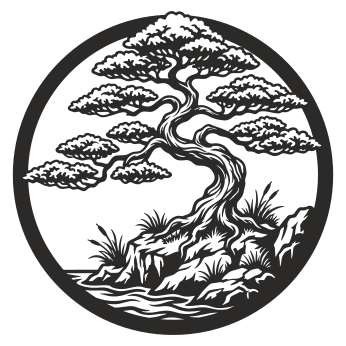
Bonsai Tree
28 downloads · 5 formats
Free download
0downloads
Cut these next
This downloadable design is supplied in 6 formats. Choose the file that works with your compatible vector editing or CAD software, then inspect the geometry, drawing units, scale and closed paths before cutting.
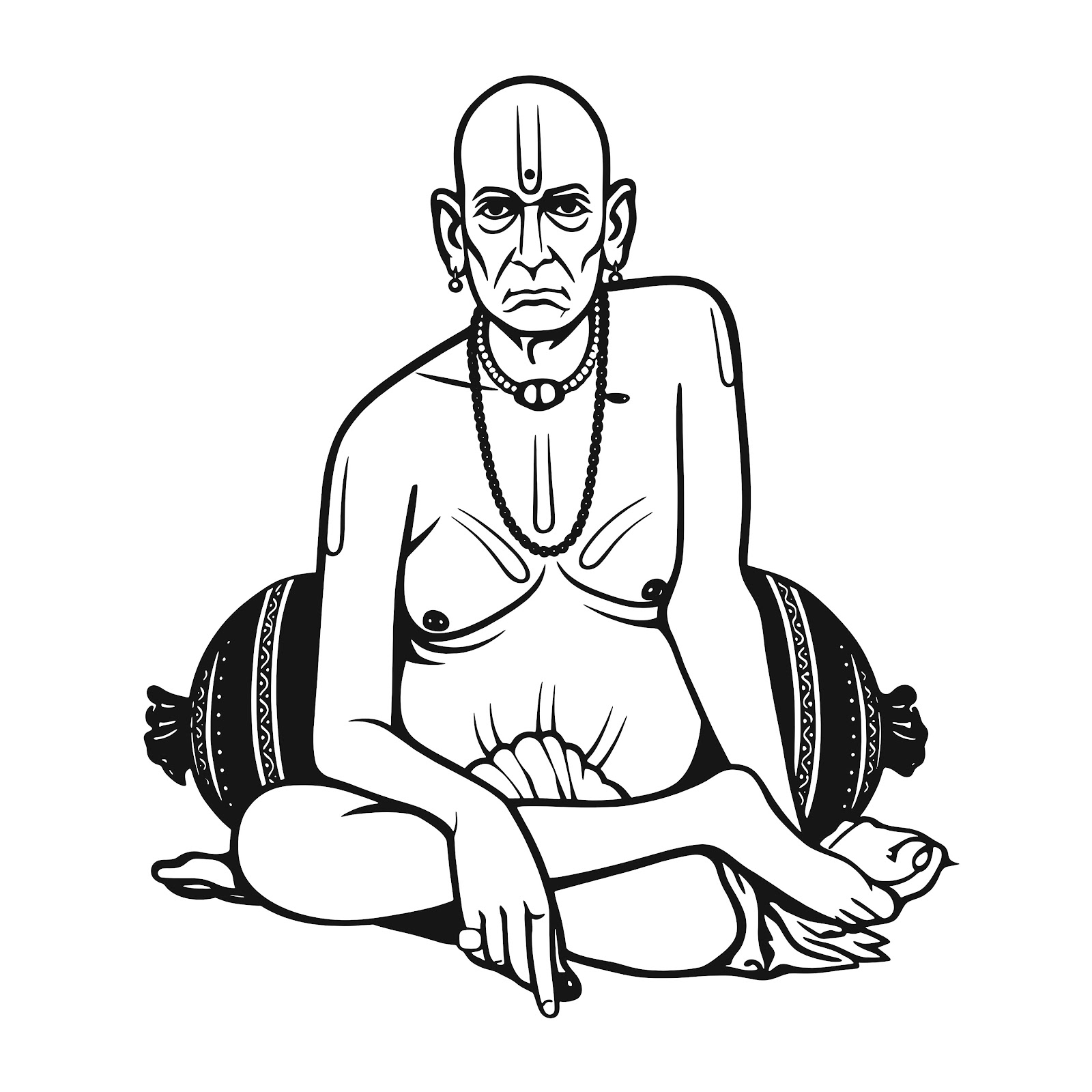
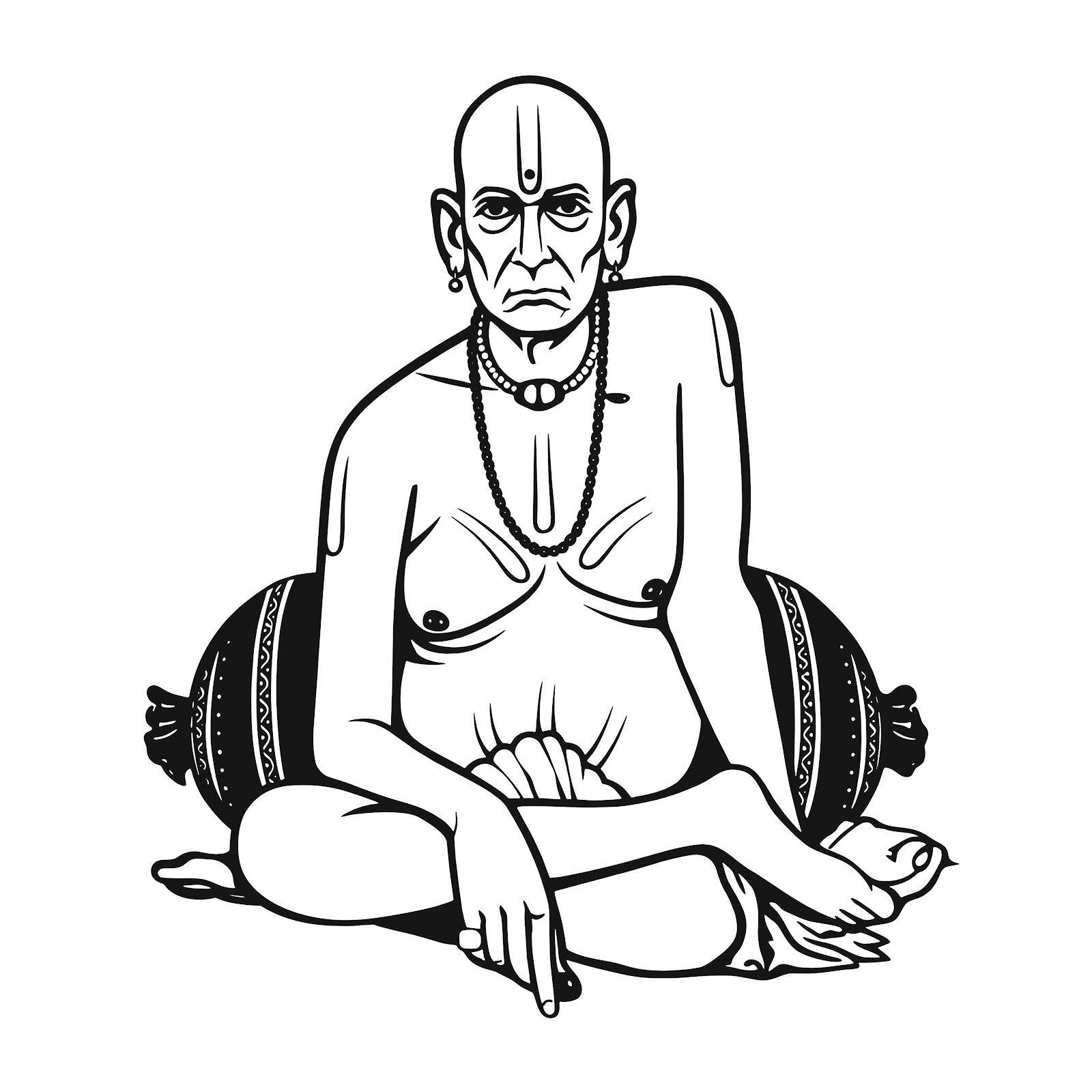
| Design name | 3 God Swami, Datta and Sai Baba |
|---|---|
| Product ID | cmwd3bst30008utdsidgioxe6 |
| Category | Laser Cut |
| Product type | Digital vector design |
| Available formats | AI, CDR, DXF, PDF, SVG, CDR |
| Number of files | 6 |
| Total file size | 11.4 MB |
| Price | Free |
| Total downloads | 0 |
| Delivery | Digital download |
| Physical product | Not included |
Sizes are calculated from the published originals and rounded for display. Drawing units and fabrication dimensions have not been independently verified.
The AI download is an Illustrator-compatible EPS: fully editable paths, named layers and no embedded rasters. Open it, ungroup once and every cut line is selectable.
A large share of the sign and engraving trade still drives machines straight out of CorelDRAW. This download bundles the design as a clean DXF plus an SVG and a plain-text import note, which CorelDRAW opens natively at the correct scale.
DXF is the safest choice when a file has to travel between CAD software and a machine controller. Every DXF Design Point DXF is exported as R2000 ASCII with millimetre units, closed polylines and no stray duplicates, so LightBurn, RDWorks, SheetCam, Fusion 360 and AutoCAD all read the same geometry.
Every PDF is a single true-scale sheet with the outline drawn as vector strokes — no rasterisation, no 'fit to page' surprises. Print at 100 % and you have a paper template you can tape to the material or hand to a client for sign-off.
SVG is the working format for most desktop laser cutters. Our files use a millimetre user space with a matching viewBox, hairline strokes and no fills, which means LightBurn and LaserGRBL import them at the correct physical size on the first try.
A large share of the sign and engraving trade still drives machines straight out of CorelDRAW. This download bundles the design as a clean DXF plus an SVG and a plain-text import note, which CorelDRAW opens natively at the correct scale.
Depending on the format and version, these files may be opened or imported using compatible applications such as Illustrator, Affinity Designer, Inkscape, CorelDRAW, Trotec JobControl, Epilog Job Manager, LightBurn, RDWorks. Actual compatibility depends on the application version, import settings and file contents.
CC BY 4.0. You may cut and sell physical objects made from these files. You may modify the geometry for your material and machine.
Do not redistribute or resell the original digital files as standalone downloads. See the full license terms.
Free designs are available without an account. Premium products require a one-time payment before the private original files are released.
The formats listed in the download panel above are the ones published for this product. Check the file section for exact sizes.
The DXF is supplied for compatible CAD and CAM workflows. Always inspect units, dimensions, paths and machine compatibility before cutting.
No. This listing is for digital files only. No physical artwork or material is shipped.
Units, scale, open paths, geometry and machine settings affect fabrication. Verify them in your own software before production.
Browse more Laser Cut, free CNC design files or search the full catalog.